FastTrack Schedule 2026 for Windows
Powerful, easy-to-use project management software. Plan, track, and report your projects with professional Gantt charts, resource management, and one-click reports.
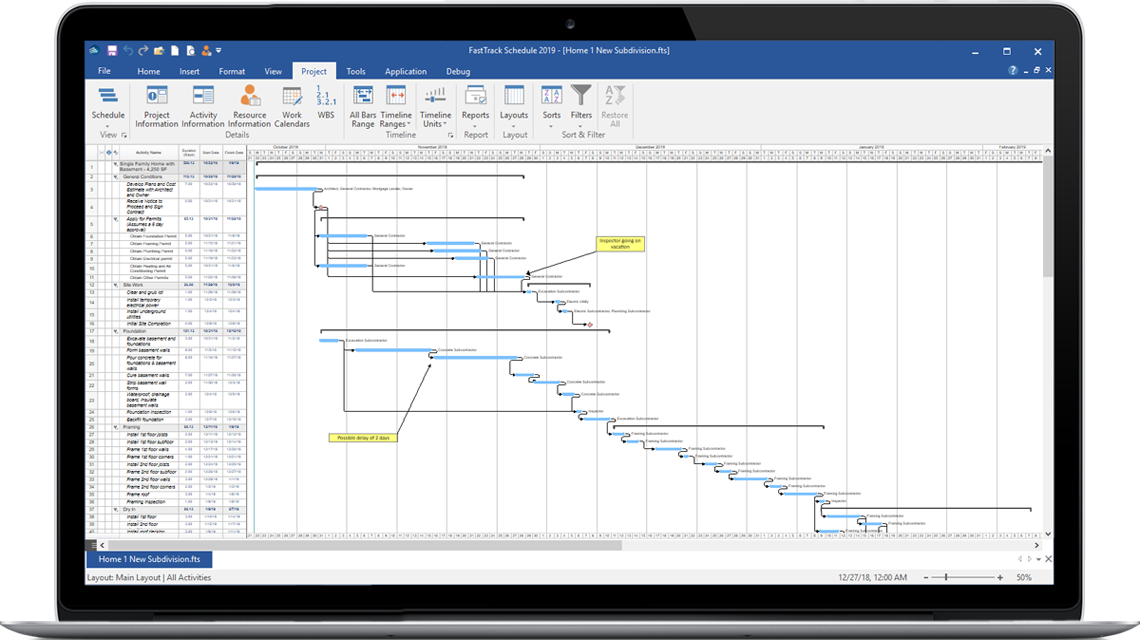
The best way to plan and manage your projects
FastTrack Schedule 2026 for Windows gives you everything you need to successfully plan, track, and manage projects without the steep learning curve of enterprise tools. Start managing projects in minutes, not days.
Whether you are managing a simple task list or a complex multi-phase initiative, FastTrack Schedule gives you the tools to stay on top of deadlines, resources, and budgets.
Gantt Charts
Visual timeline of tasks, milestones, and dependencies
Resources
Assign team members and balance workloads
Budgets
Track costs and compare planned vs. actual
Reports
One-click professional reports and PDF export
Powerful Features, Simple Interface
Everything you need to deliver projects on time and on budget.
Easy to Learn
Clean, intuitive Windows Ribbon interface. Start managing projects in minutes, not days.
Multiple Views
Schedule, Resource, and Calendar views give you a complete picture of your project.
Effort-Driven Scheduling
Automatically adjust durations based on resource assignments.
Highlight Filters
Focus on what matters with highlight and dynamic filters for tasks and resources.
Critical Path
Identify and track critical path tasks that determine your project end date.
Color Calendars
Highlight holidays, deadlines, and key dates. Import .ics calendar files.
What's New in 2026
Major improvements to performance, visuals, and compatibility.
Windows-Specific
- Designed for Windows 11, Windows 11 ARM64, and Windows 10
- HD Color and High DPI resolution support for sharper display on all monitors
- 4 color themes including Dark Mode
- Built-in PDF export
- Windows Ribbon interface for faster access to tools
Universal Improvements
- One-Click Reports: Create, customize, and save comprehensive reports
- On-Screen Zoom for any part of your project
- Automatic Print-to-One-Page
- 50+ built-in bar and milestone styles
- MS Project 2019/2021 import (Java no longer required)
- Enhanced Critical Path with automatic color changes
- Improved cross-platform Mac/Windows file compatibility
See It in Action
Watch a walkthrough of FastTrack Schedule 2026 for Windows.
Quick Tips
Short videos covering the essentials of FastTrack Schedule 2026 for Windows. View all video tutorials →
Components
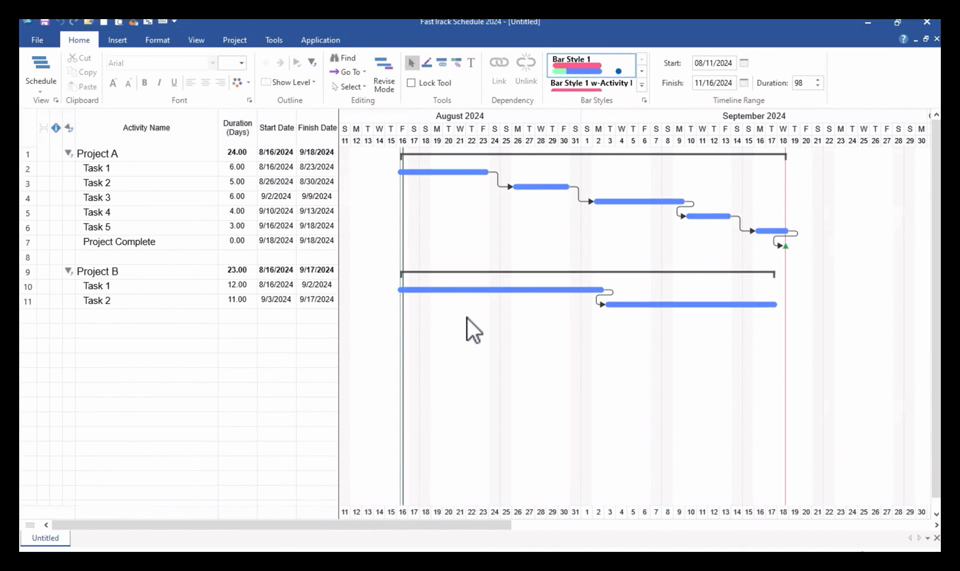
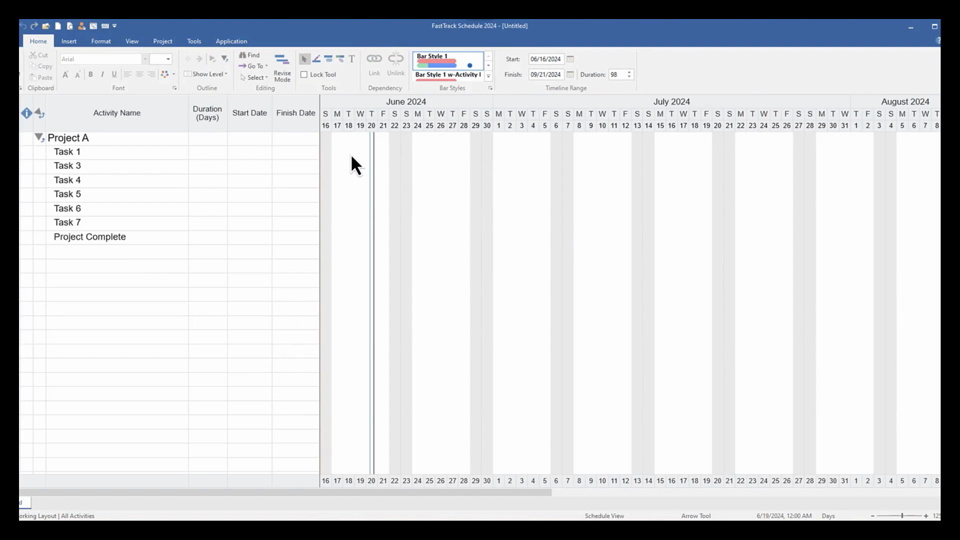
Task Lists
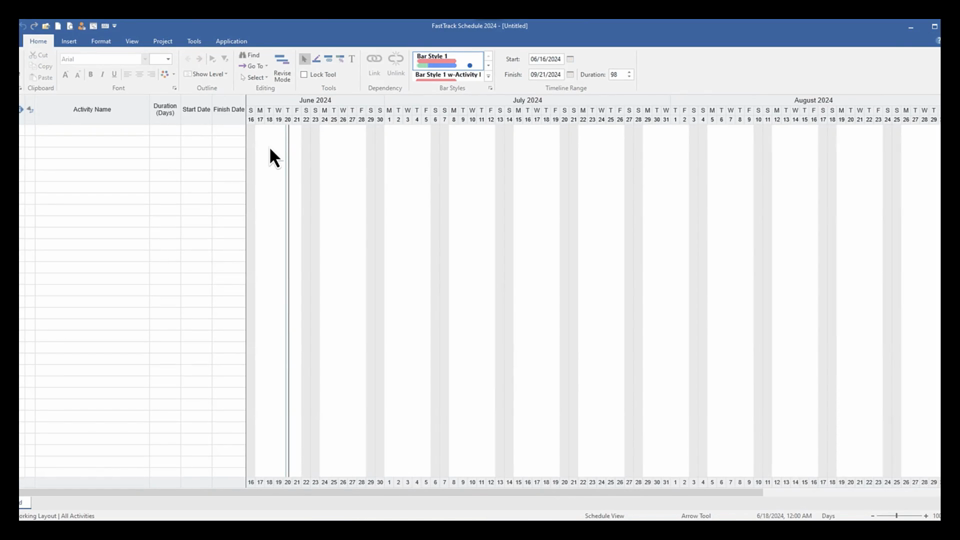
Durations & Creating Task Bars
Links
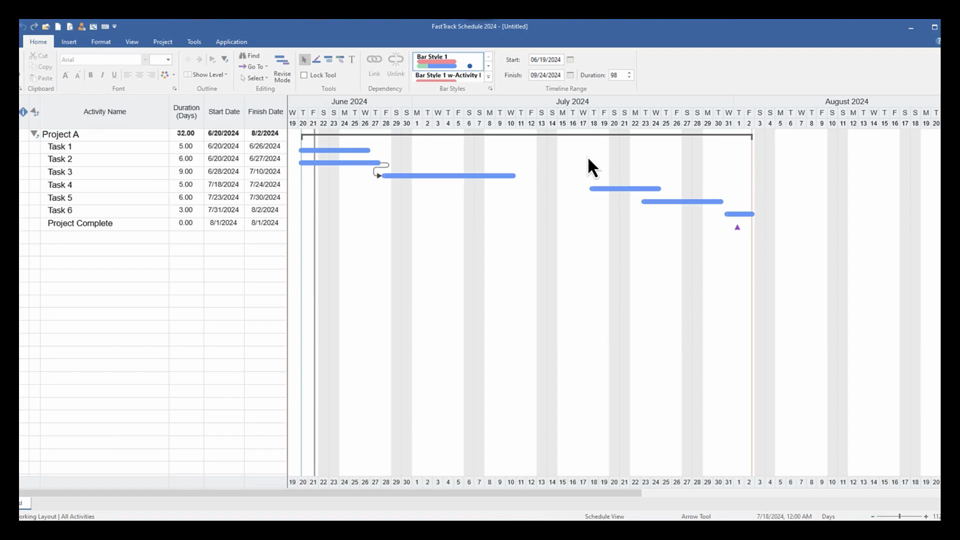
Dynamic Resource Filters
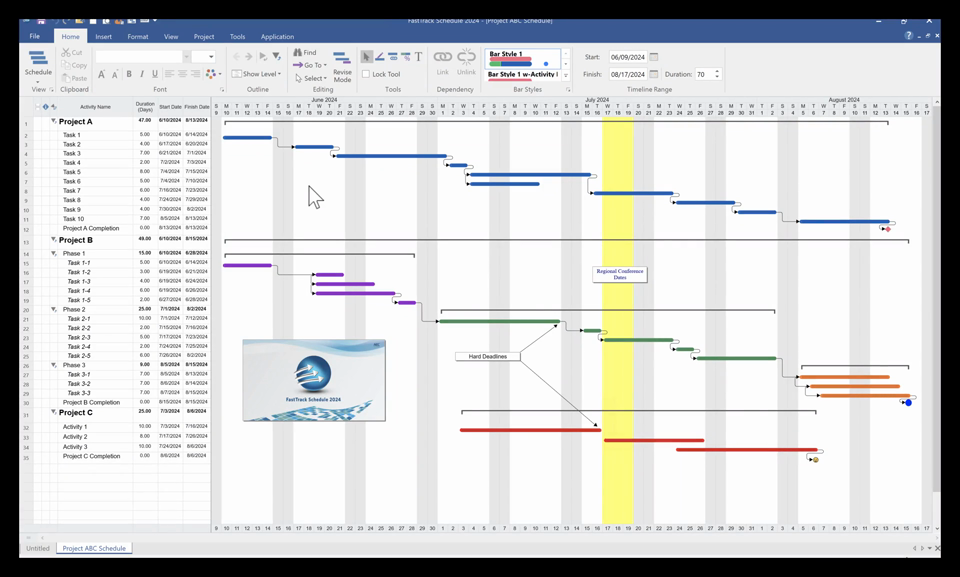
Revising Schedules
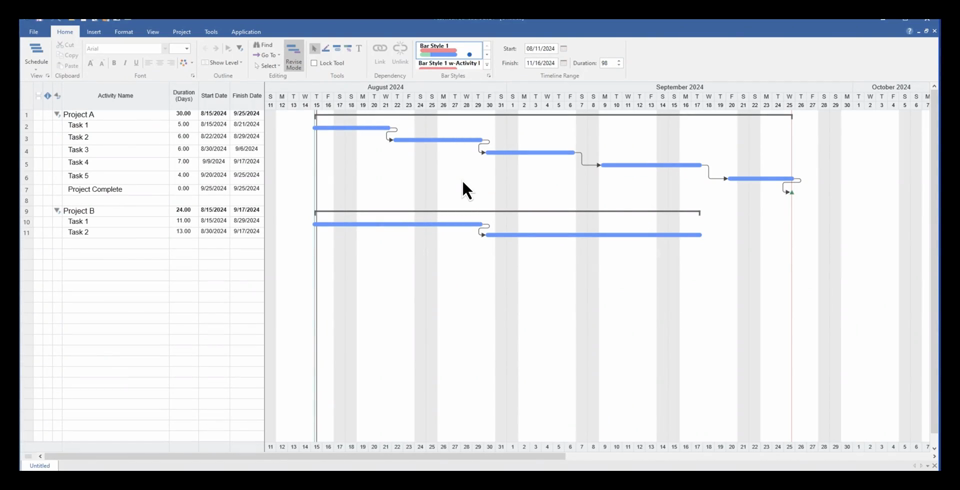
Share & Integrate
Works with the tools you already use.
Microsoft Project
Import and export MS Project XML files. Tasks, dependencies, resources, and calendars are preserved.
Excel & CSV
Import from and export to Excel, CSV, and tab-delimited files for easy data exchange.
PDF & Image Export
Built-in PDF export and clipboard copy for presentations, reports, and documents.
Cross-Platform
Share schedule files between Mac and Windows with zero conversion or data loss.
Calendar Import
Import .ics calendar files into Color Calendars to highlight key dates and holidays.
Presentation Ready
Copy schedules to the clipboard and paste directly into PowerPoint or Word.
What People Are Saying
“Easily a top product among its peers in the project management industry.”
Roads & Bridges Magazine“A straightforward, easy to use project planning tool.”
ZDNet“Stands head and shoulders among a sea of competitors.”
Top Ten Reviews“Affordable, easy to use, and flexible.”
Smart Computing“A great program for managing projects.”
BrightHub“Expert-level control over projects.”
MacworldSystem Requirements
| Component | Requirement |
|---|---|
| Operating System | Windows 11 or Windows 10 (Windows 10 has reached end of support from Microsoft; upgrading to Windows 11 is recommended) |
| Architecture | 64-bit (x64), 32-bit (x86), or ARM64 |
| Memory | 8 GB minimum |
| Disk Space | 500 MB available |
| Display | 1366 x 768 minimum (1920 x 1080 recommended) |
Ready to get started?
Try FastTrack Schedule free for 21 days. No credit card required.